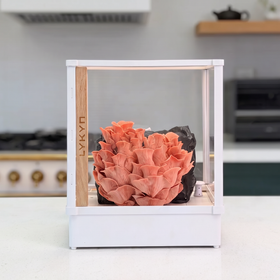



Aufbau & Montage
Einrichtungs- und Montageanleitung
Vielen Dank, dass Sie sich für LYKYN entschieden haben. Befolgen Sie diese Schritte, um Ihre Anbaukammer zum ersten Mal einzurichten.
Vielen Dank, dass Sie sich für LYKYN entschieden haben. Befolgen Sie diese Schritte, um Ihre Anbaukammer zum ersten Mal einzurichten.
Before You Begin
- Open the package carefully and confirm all parts are included.
- Assemble on a smooth, flat surface.
- No tools required.
What's Included
- 1 × Grow Chamber Base
- 4 × Chamber Brackets
- 3 × Side Panels
- 1 × Slider Door
- LED Light Bar (with cable)
- Power Cable (USB-C)
- Quick Start Card
1 Unpack
Remove all contents from the box and verify the items above.
2 Prepare the Brackets
Check that each bracket is pre-assembled.
If any came apart during shipping, align the three protruding lines with the matching holes and press firmly until they lock.
3 Insert the Brackets
Place one bracket in each corner of the base. They should stand straight up to form four vertical supports.
4 Install the Side Panels
Remove protective film.
Identify the "UP" side on each panel.
Slide each panel into the grooves between the brackets.
Ensure panels are fully seated so their tops are level with the bracket edges.
5 Install the Slider Door
Line up the slider door with the front rails on the top of the chamber.
Lower the door gently. It should glide down under its own weight.
Confirm that the glass sits flush with the panel edges and that the door slides open and closed smoothly.
6 Connect Power & Lighting
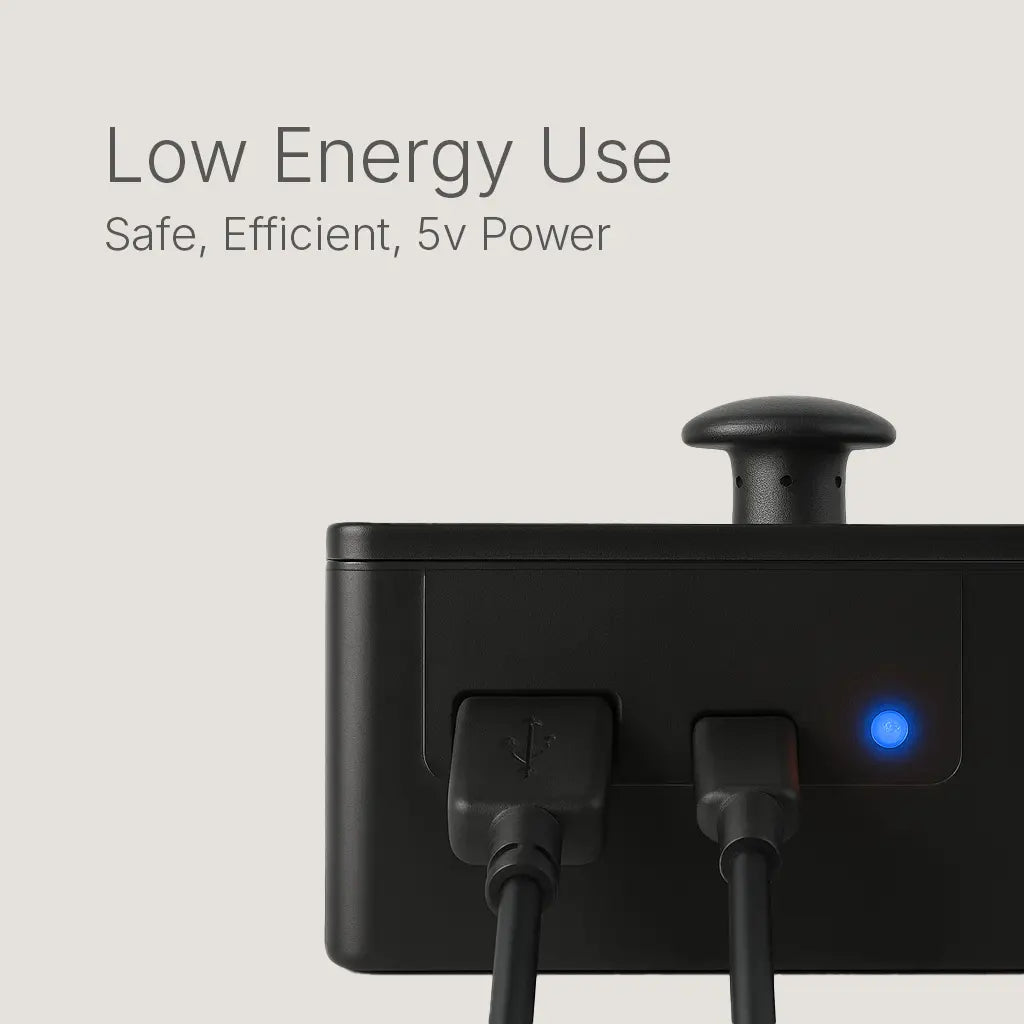
Locate the two USB ports on the side:
Use the included cables.
7 Download the LYKYN App
Get LYKYN from the Apple App Store or Google Play.
Follow the in-app steps to pair your chamber.
You're Done
Your LYKYN Grow Chamber is ready. Start your first grow in the app and let the system handle the environment.


Smart Pilzzuchtset
Größere, Gesündere Pilze
Mehrmals täglich manuell zu besprühen und zu lüften birgt das Risiko von Kontamination und ungleichmäßigem Wachstum. Lykyn löst dieses Problem durch automatisierte Luftfeuchtigkeit und Luftzirkulation. So bleibt Ihre Pilzkultur immer im perfekten Gleichgewicht. Sie ernten größere, gesündere Pilze – ganz ohne Aufwand.
Hauptmerkmale
-
5V Flüsterbetrieb: Ultra-leise Lüfter – ideal für Schlafzimmer, Küchen und Büros.
-
Dual-Lüfter-System: Intelligente Luftzirkulation sorgt für gesunden CO₂-Austausch beim Pilzanbau.
-
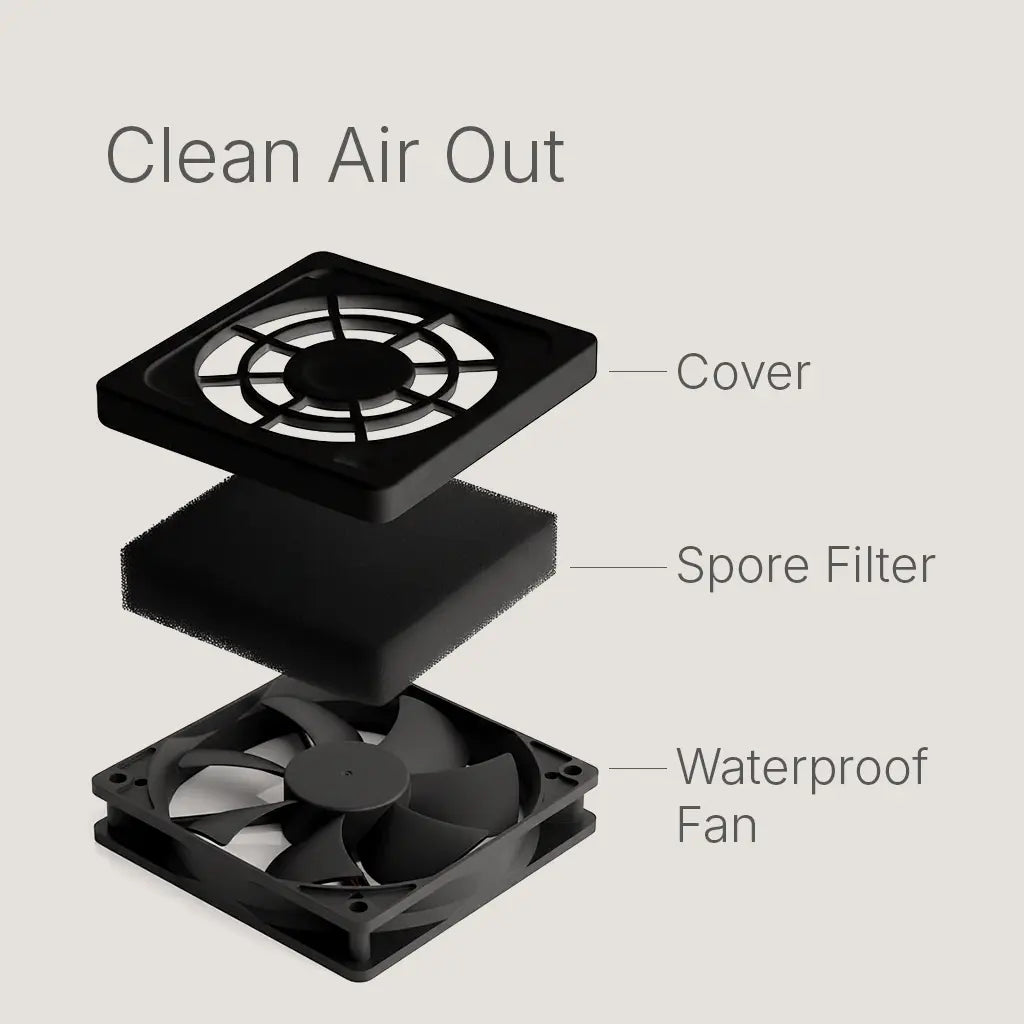
HEPA-Filtration: Medizinische Filter am Einlass und Sporenfilter am Auslass schützen Ihre Pilzzucht.
-
Sporen-Filtration: Halten Sie Ihr Zuhause sauber – Sporenfilter am Abluftventilator verhindern Sporenverbreitung.
-
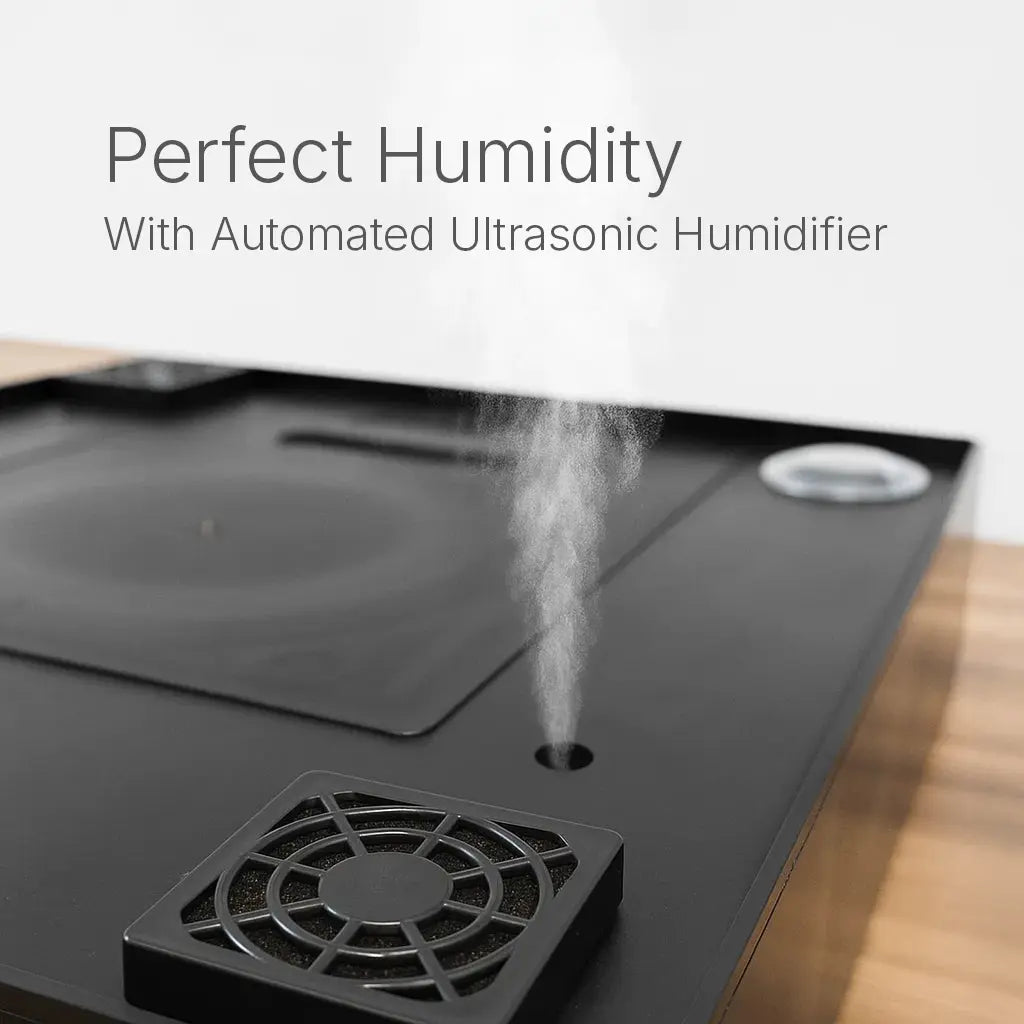
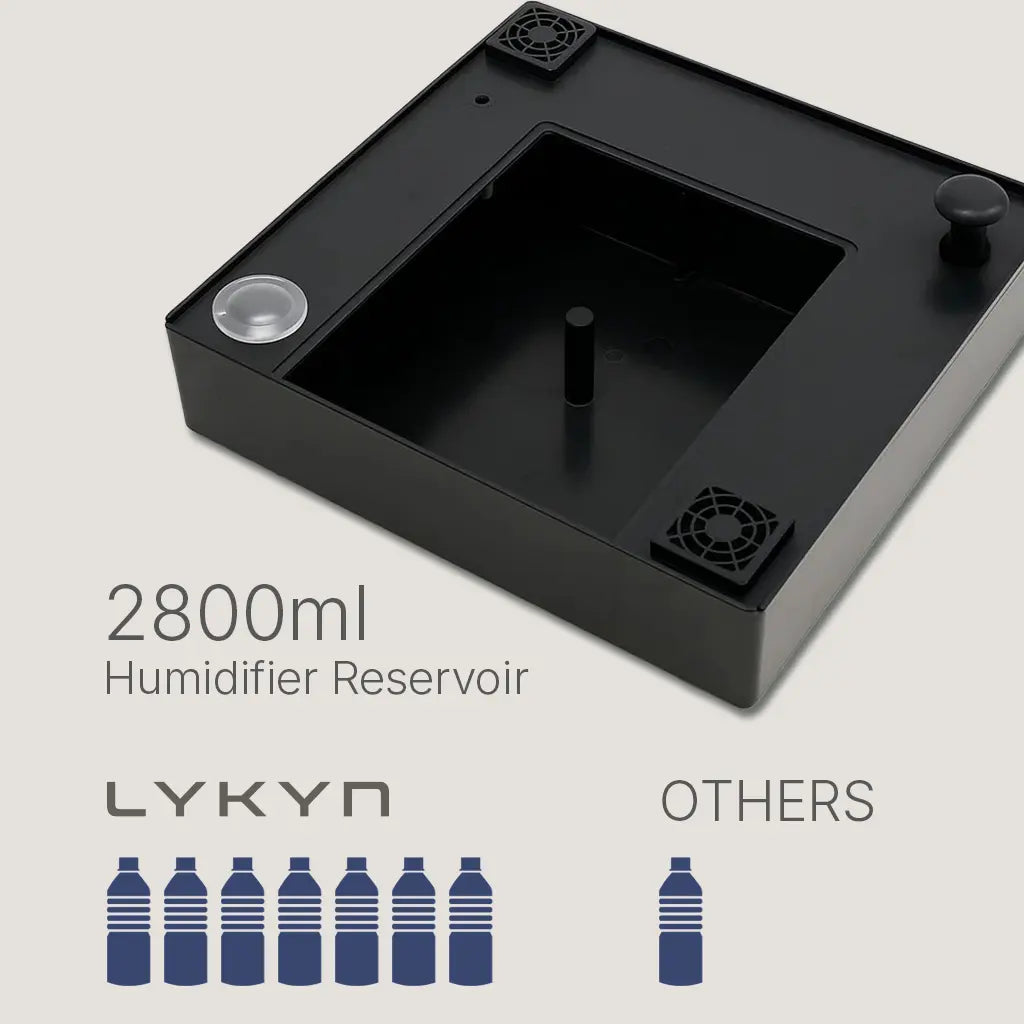
Ultraschall-Luftbefeuchter: XL 2,8L Wassertank hält die Luftfeuchtigkeit bis zu 3 Wochen aufrecht.
-
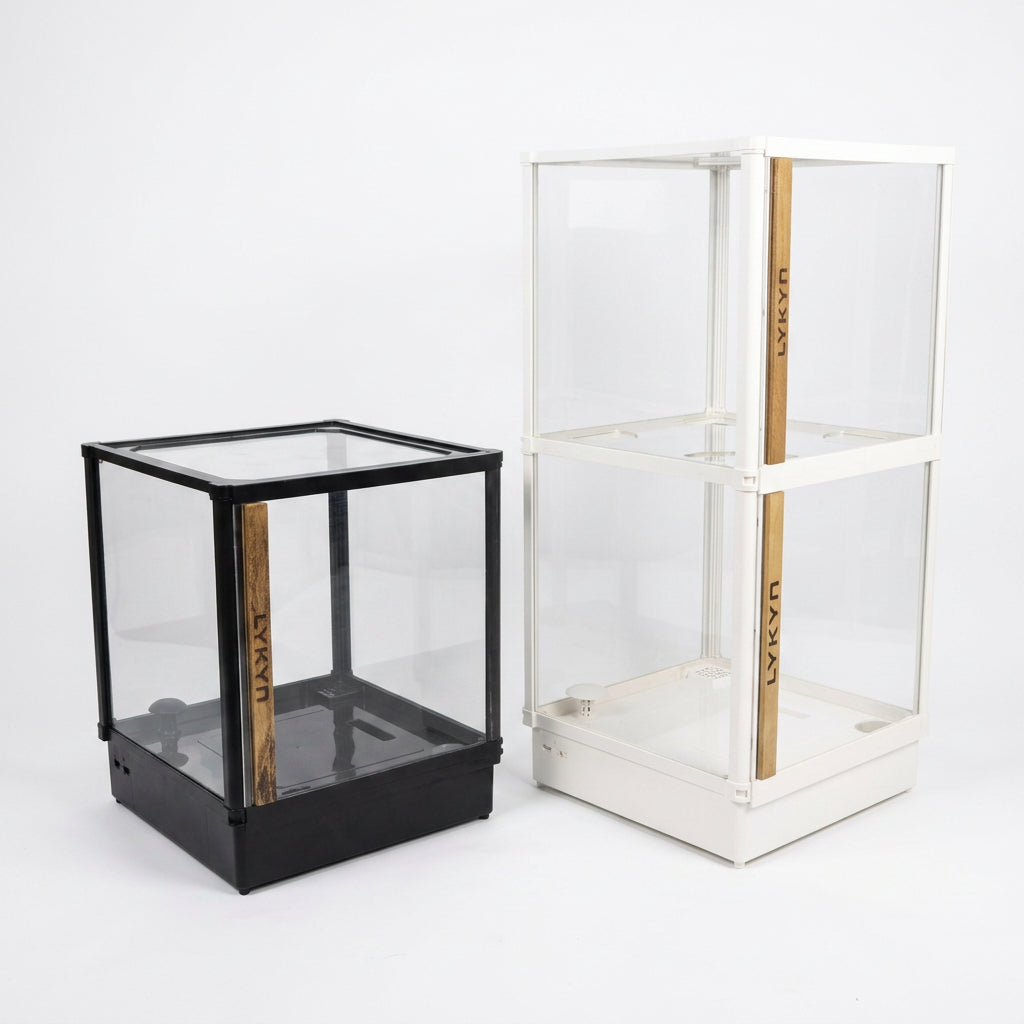
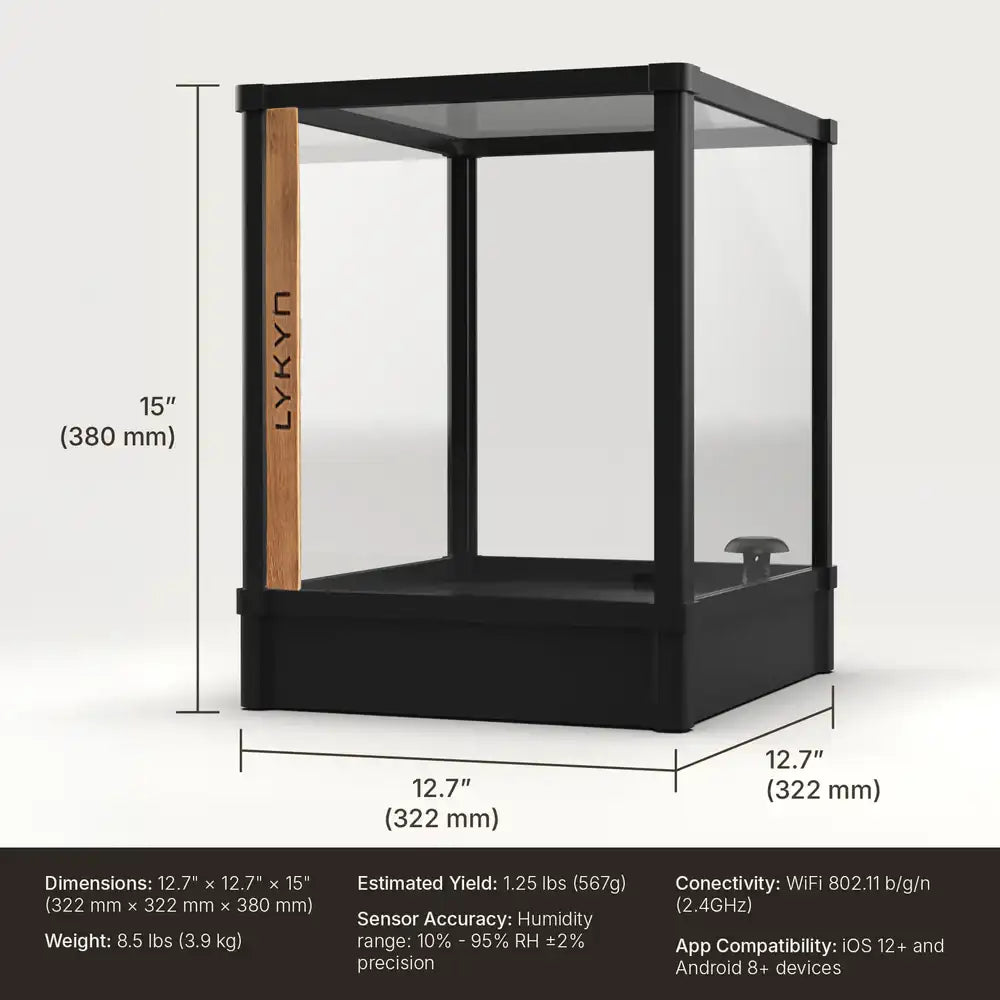
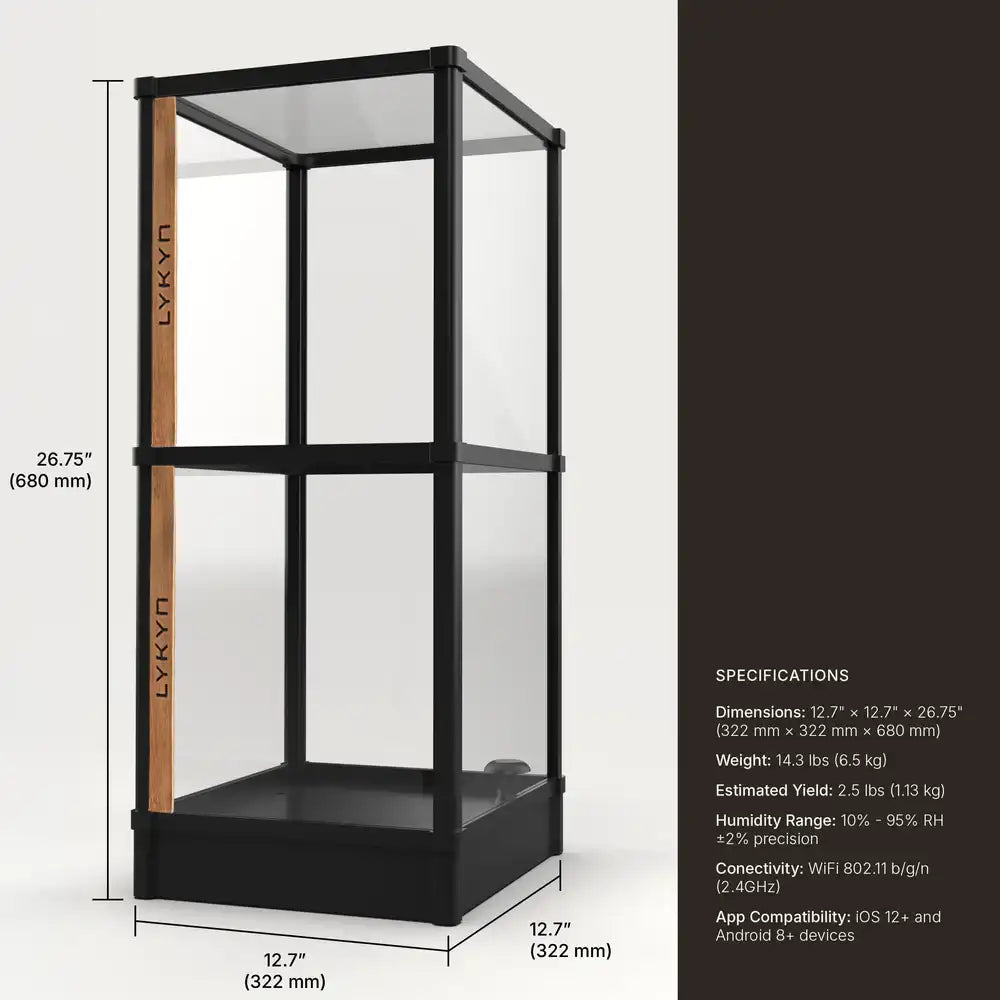
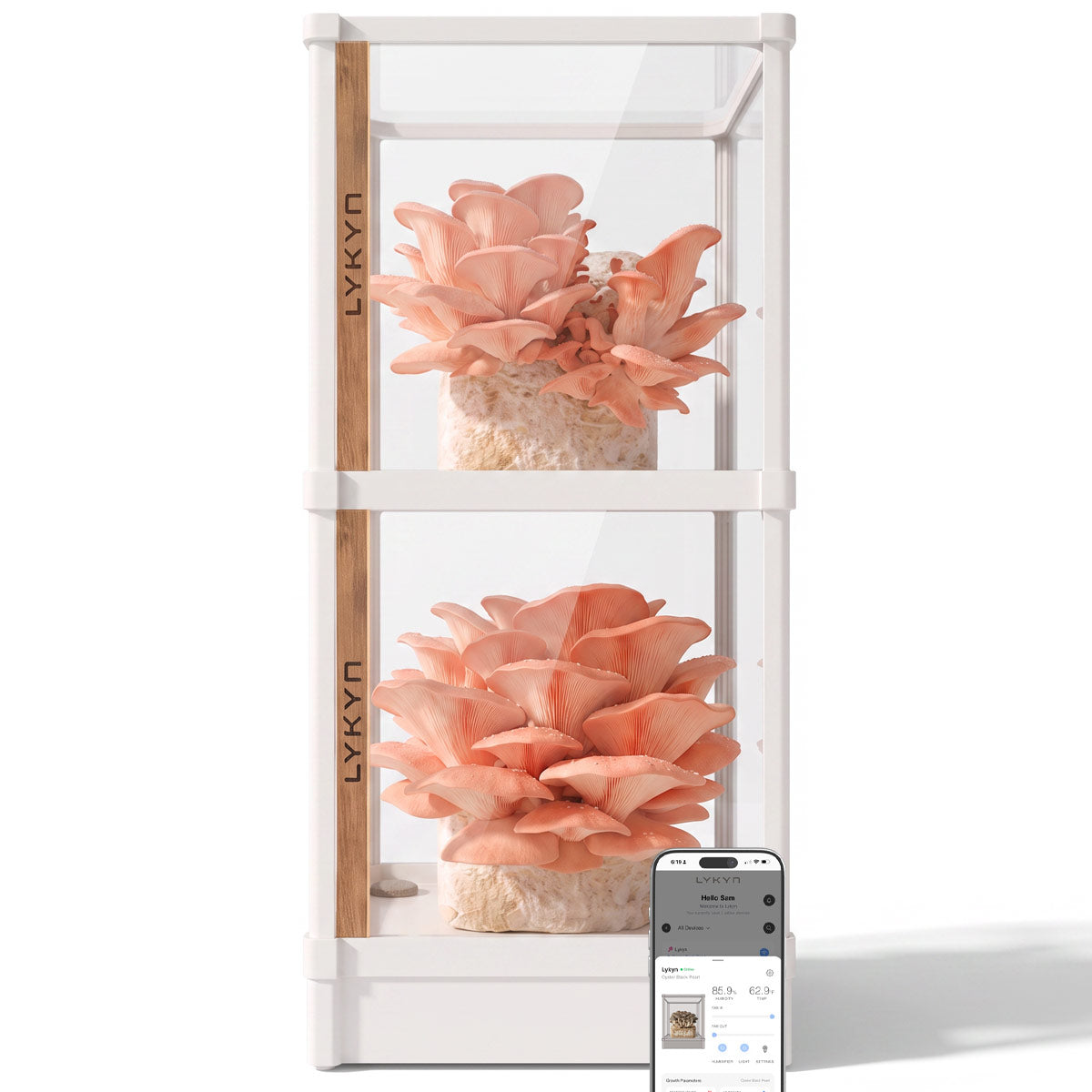
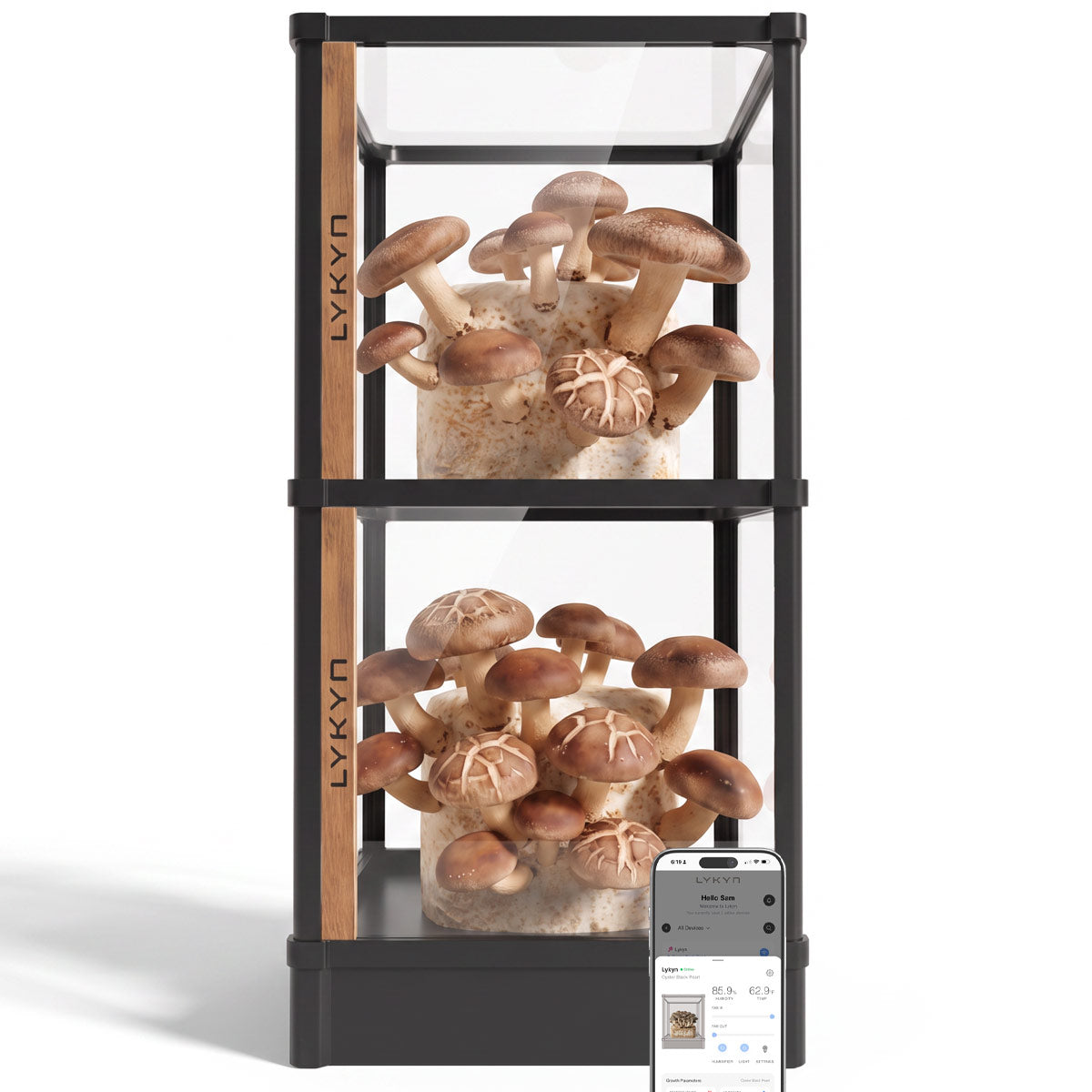
Modulares Design: Ermöglicht flachen Versand und Höhenerweiterung für verschiedene Pilzsorten.
-
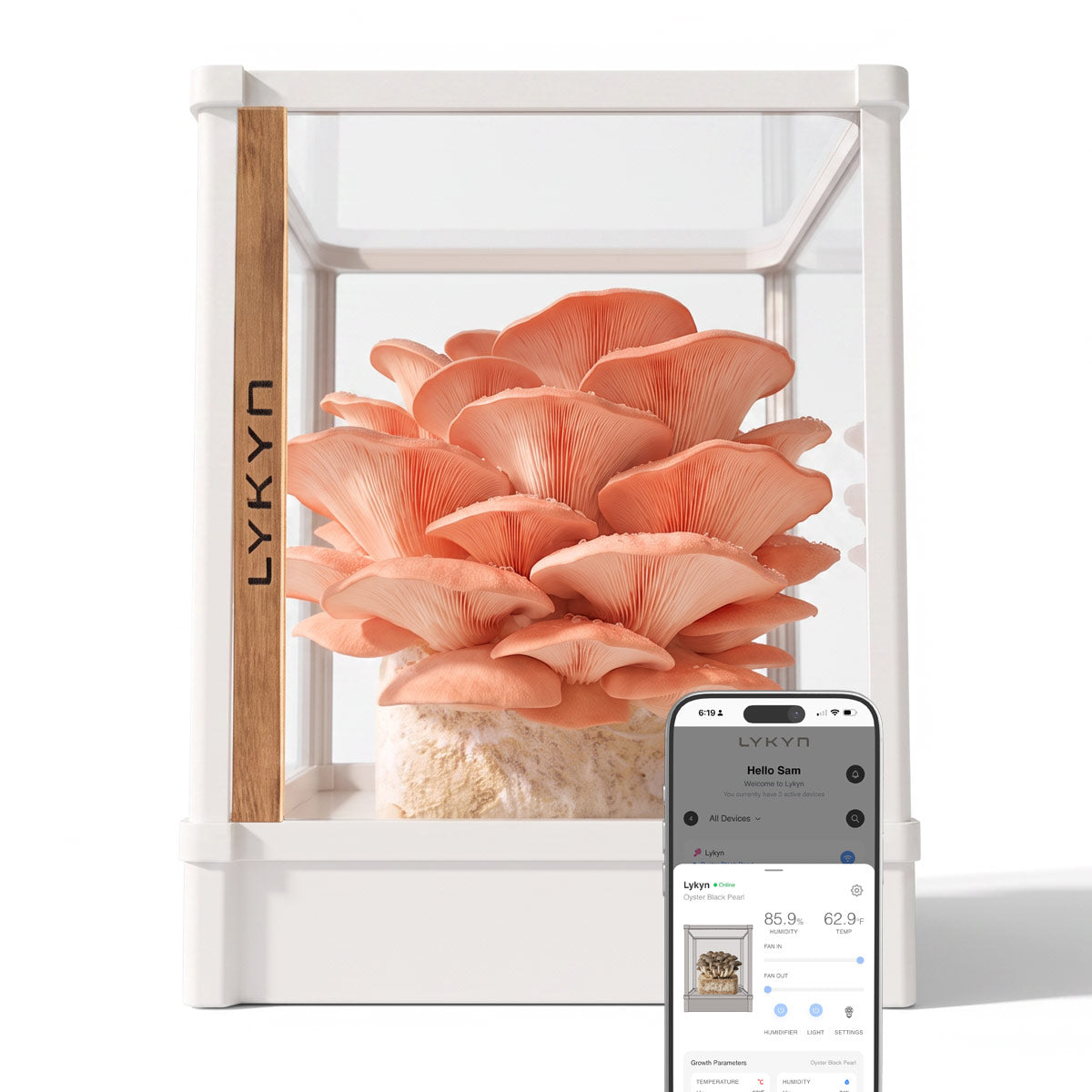
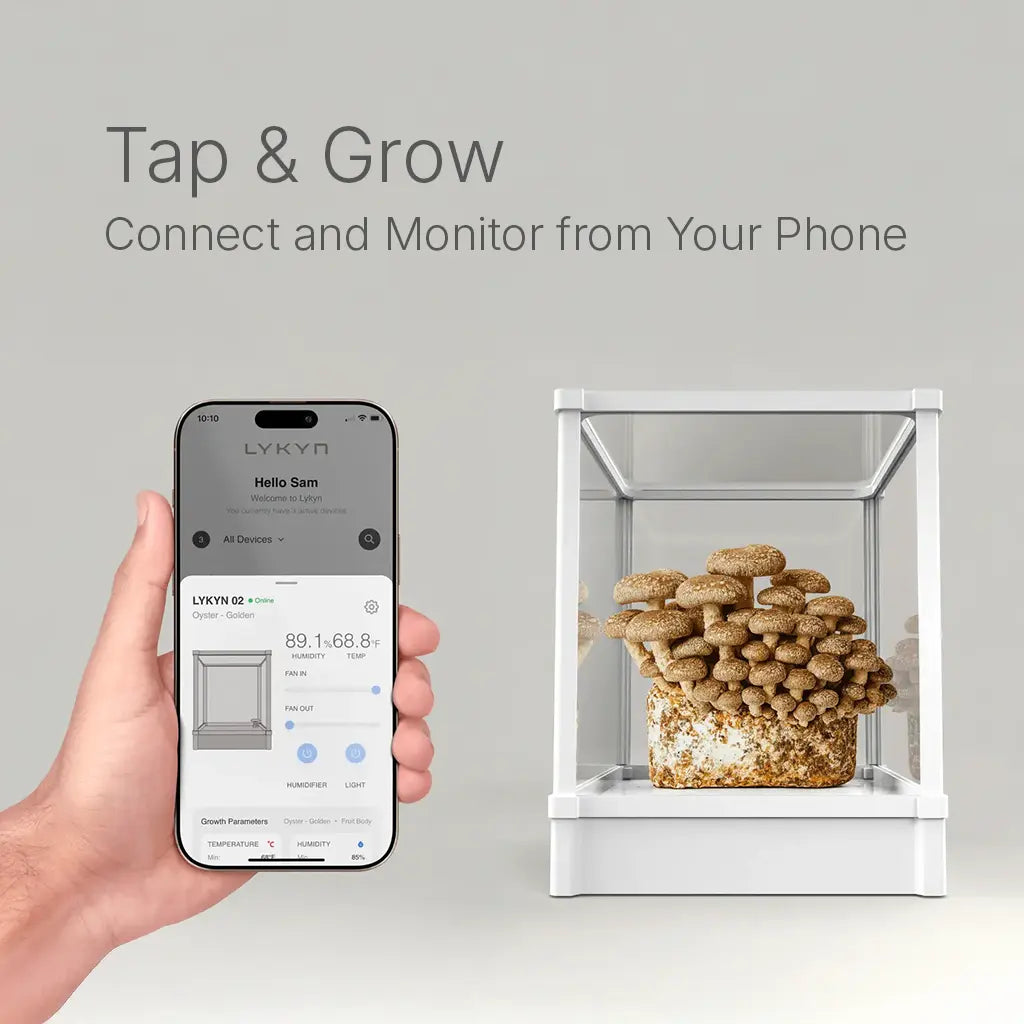
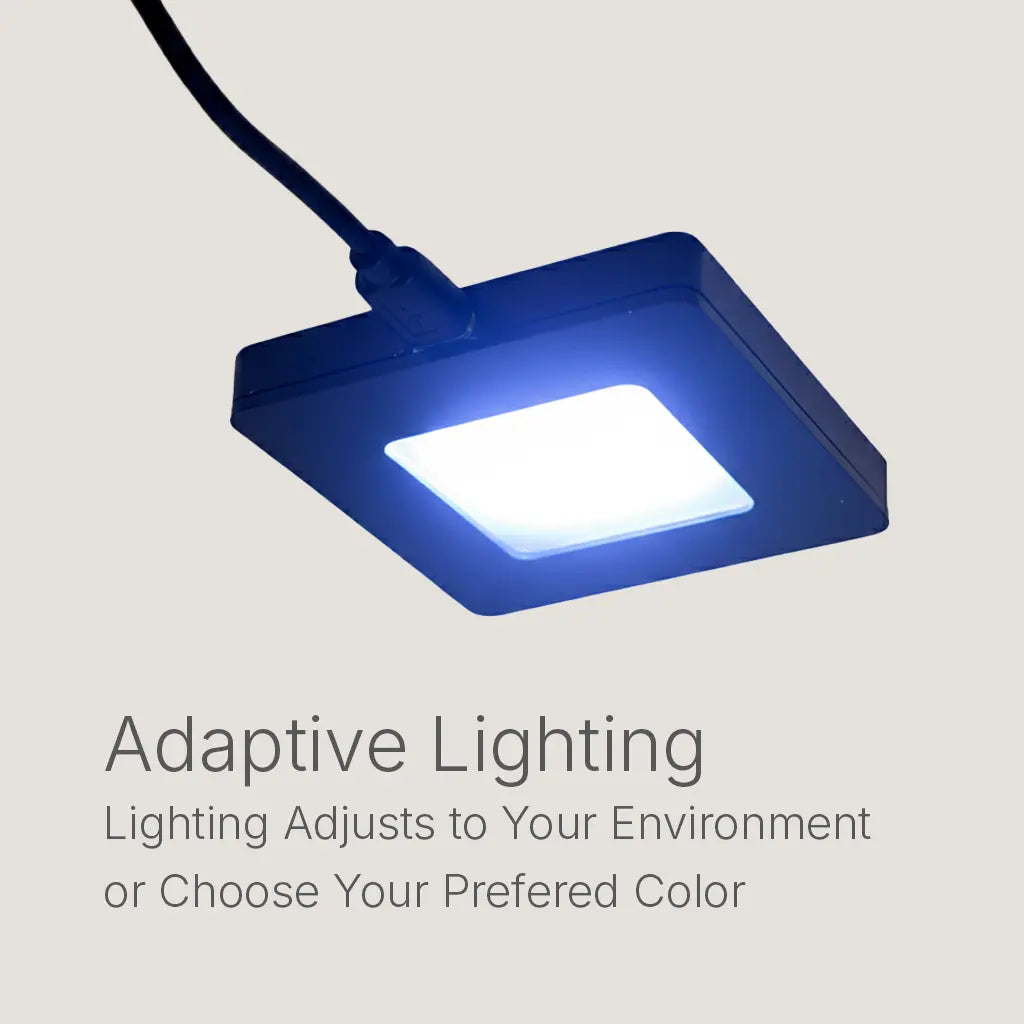
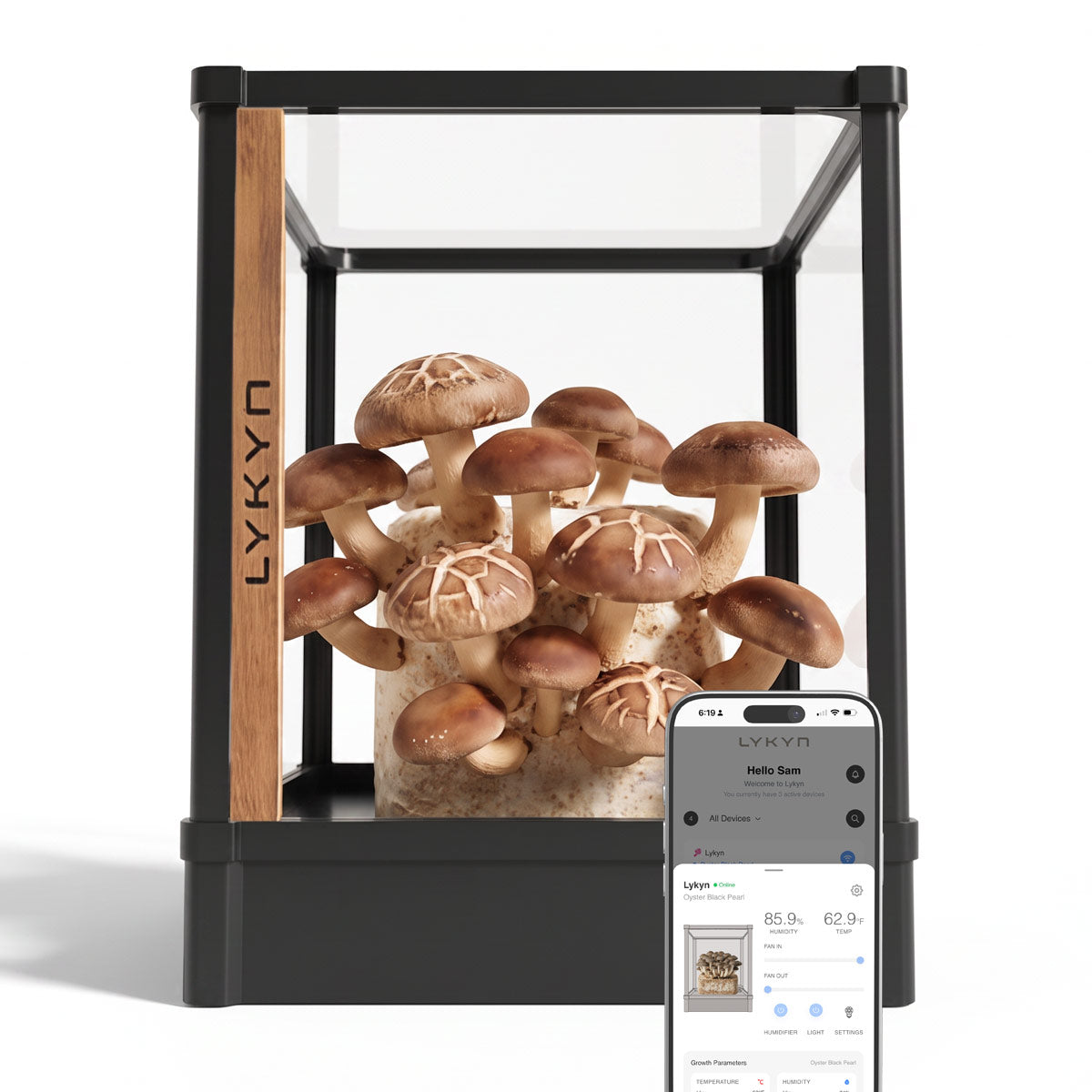
App-Steuerung: Wählen Sie Ihre Pilzsorte aus, passen Sie die Beleuchtung an und überwachen Sie Temperatur und Luftfeuchtigkeit aus der Ferne.
Warum Sie Dieses Pilzzuchtset Lieben Werden
-
Einfach & Automatisiert: Einfach Wasser und einen Pilzblock hinzufügen. Wählen Sie Ihre Pilzsorte in der App und beobachten Sie das Wachstum – kein Rätselraten mehr.
-
Schnelle Ergebnisse: Ernten Sie frische Pilze bereits nach 5 Tagen.
-
Vielseitig: Perfekt für Speisepilze, Kaffeemischungen oder Vitalpilze Ihrer Wahl.
-
Alle Sorten Züchtbar: Von Igelstachelbart bis Shiitake – züchten Sie mit unserem flexiblen System, was Sie möchten.
-
Kompakt & Modern: Fügt sich nahtlos in jede Küche oder jeden Arbeitsbereich ein.
-
Bio & Nährstoffreich: Genießen Sie pestizidfreie, nährstoffreiche Pilze aus eigenem Anbau.
So Funktioniert Das Pilzzuchtset
-
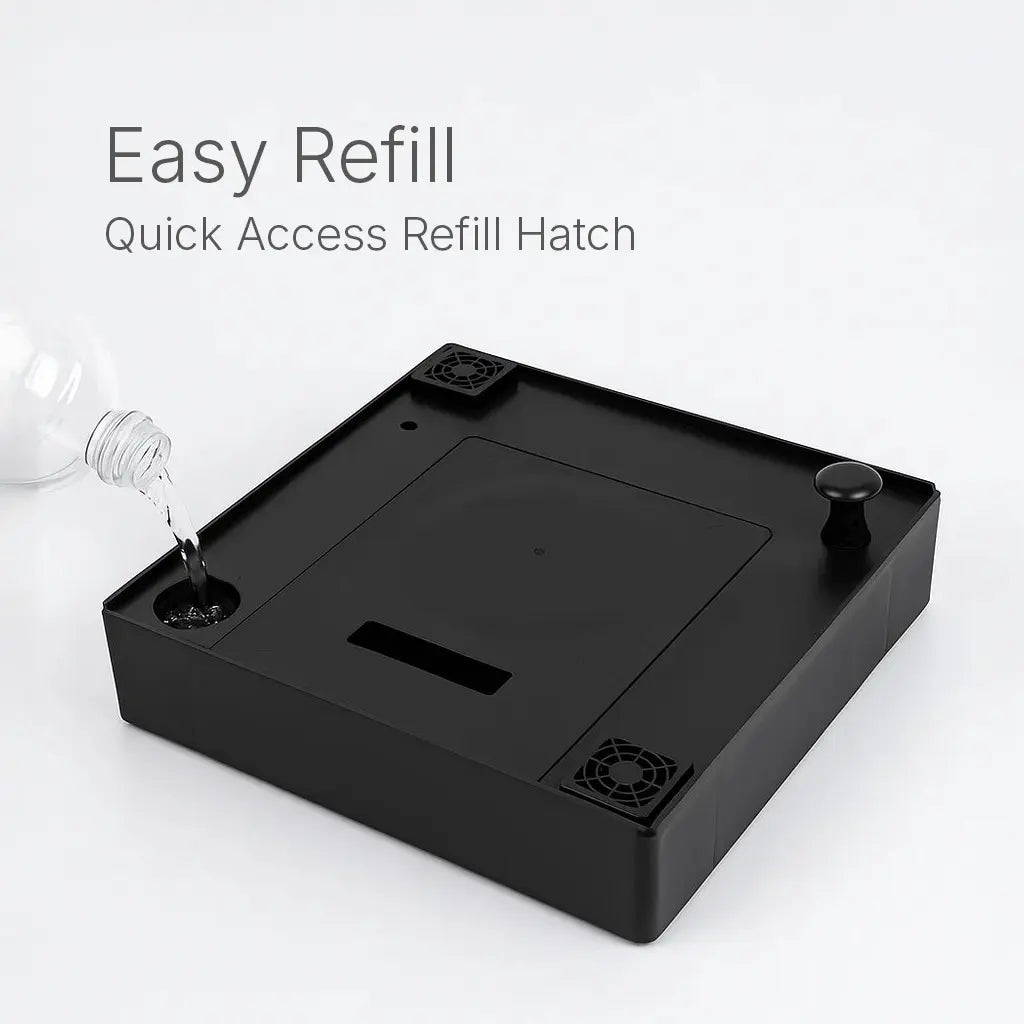
Wasser hinzufügen
-
Beliebigen Pilzblock einsetzen
-
Pilzsorte in der Lykyn App auswählen.
Fertig! Lykyn passt automatisch Luftfeuchtigkeit und Luftzirkulation an, um die perfekten Fruchtbedingungen für Ihre Pilze zu schaffen. Jetzt können Sie beim Wachsen zusehen.
Design, Das Inspiriert
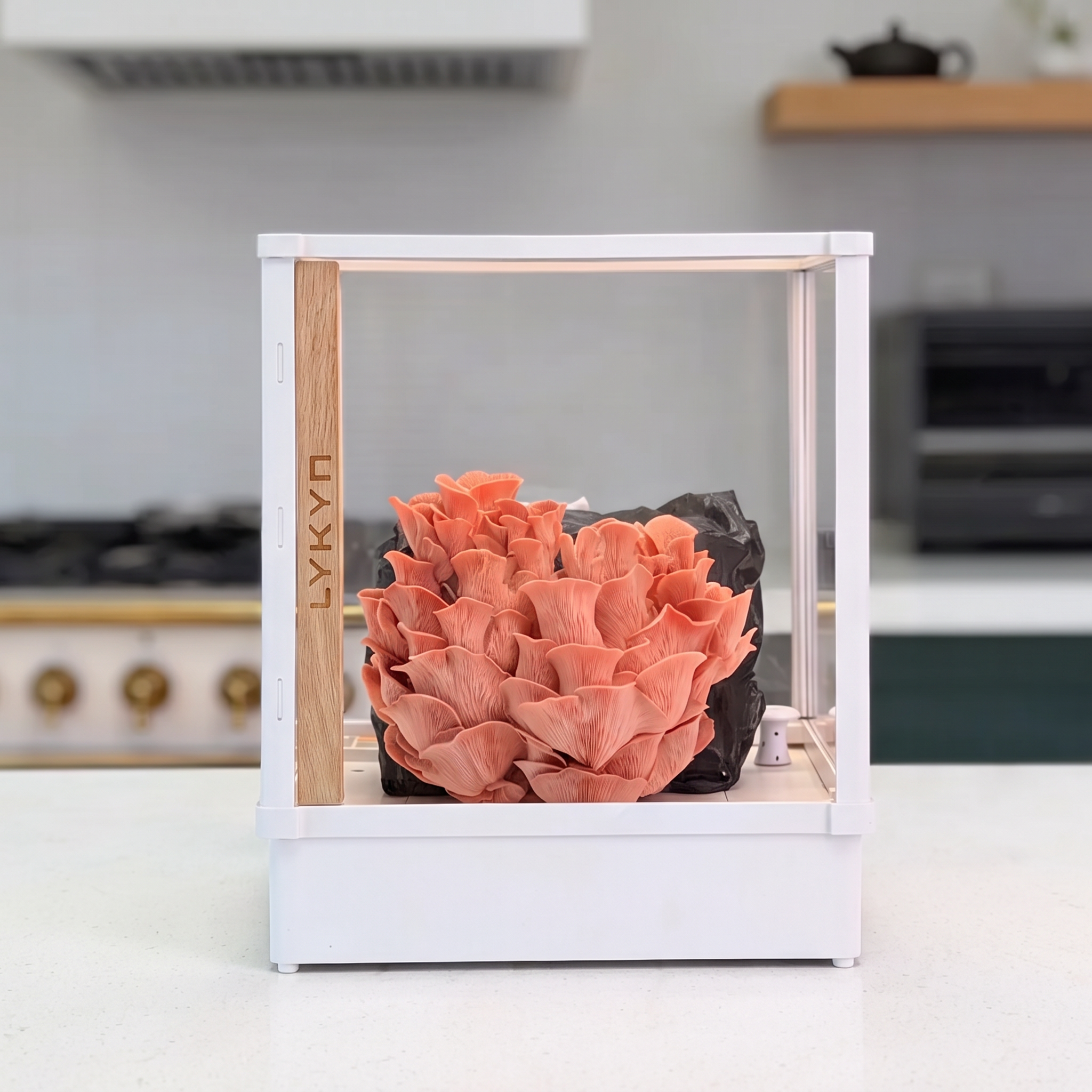
Mit durchdachtem Design und großen Sichtfenstern rückt Lykyn Ihre Pilzzucht in den Mittelpunkt. Was darin wächst, wird mehr als nur Nahrung – es wird zur Kunst, die sich harmonisch in die Schönheit Ihres Zuhauses einfügt.
Sauber. Leise. Präzise.
- Leicht zu reinigen – Sporenfilter und glatte Oberflächen machen die Reinigung zum Kinderspiel
- Flüsterleiser Betrieb – wasserdichte Lüfter bleiben auch bei hohen Geschwindigkeiten leise
- Adaptive Steuerung – Lüfter und Luftbefeuchter passen sich in Echtzeit an die klimatischen Bedürfnisse an